
Build Your Website in 7 Days
This playbook walks you through every step of creating a professional website from scratch. Plan your pages, build your design, capture leads, and drive traffic. No coding required. Follow the 13 steps in order and you'll have a live, working site by the end of the week.
Before You Start
Here's what you'll need before diving in:
- •A computer or phone with internet access
- •About 1–2 hours per day for the next week
- •$50–100 initial budget (domain ~$15/year, optional — you can start with a free subdomain)
- •A clear idea of what you do and who you do it for
- •No coding or design skills required — Buildy handles everything
Good news: You don't need a perfect plan. You don't need to be a writer or designer. You just need to know what your business does. Everything else gets built along the way.
Phase 1
Plan
Days 1–2
Phase 2
Build
Days 2–4
Phase 3
Launch
Days 4–5
Phase 4
Grow
Days 5–30
Videos rendering — 4 clips in progress
Your 60-second walkthrough of the Build Your Website playbook is being generated. 4 clips stitched into one seamless intro that auto-plays as a single file.
Plan
Define your purpose, map your pages, and create your brand identity.
Define Your Website's Purpose
Before you build anything, get crystal clear on what your website needs to do. A website with a clear purpose converts visitors. A website that tries to do everything confuses everyone.
Pick your website type
- Business website — Showcase your services, build credibility, get leads (web design agency, consultant, local service business)
- Portfolio — Display your work, land clients (photographer, designer, writer, developer)
- Online store — Sell products directly (clothing, digital downloads, handmade goods)
- Blog or content site — Share expertise, build audience, earn from ads or affiliates
- Landing page — Single page driving one action (event signup, product launch, lead magnet)
- SaaS or app website — Explain your software, drive signups or demos
Answer these 3 questions
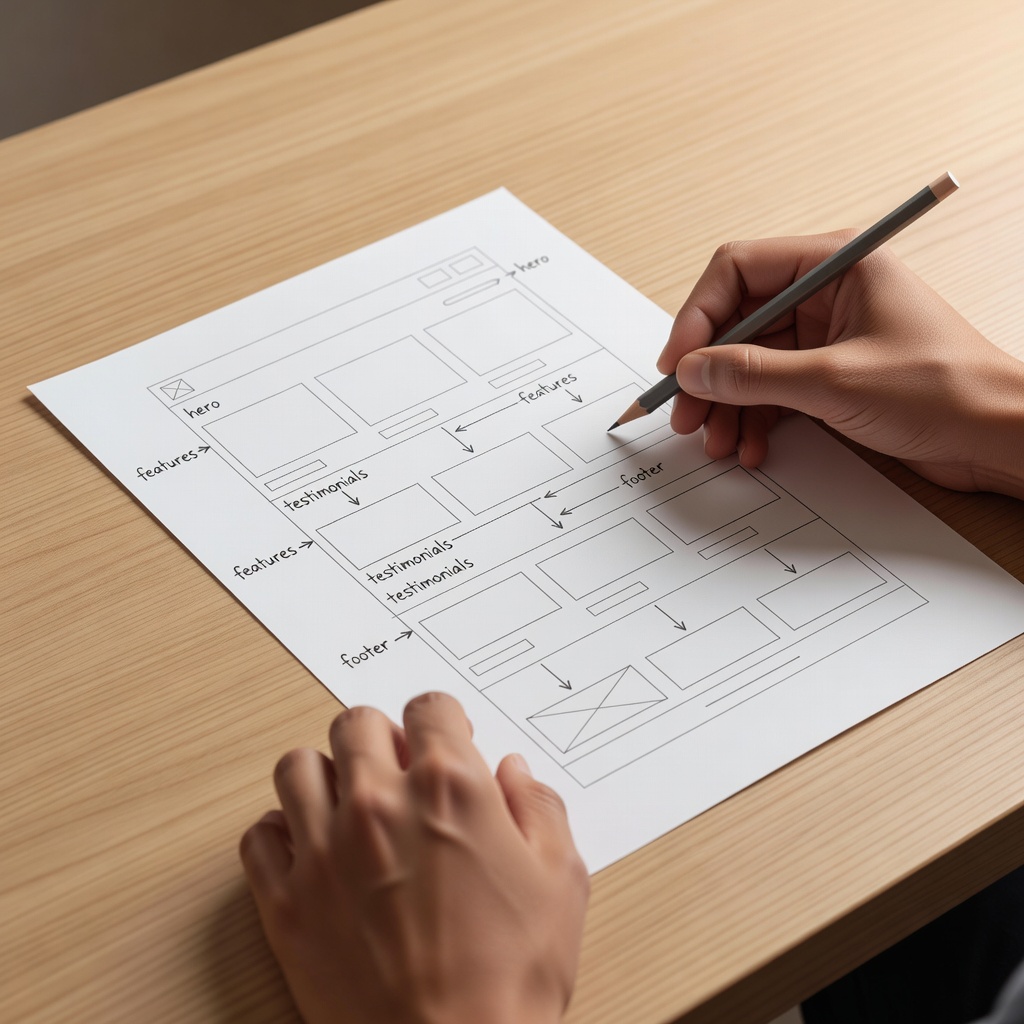
(1) Who is your ideal visitor? (2) What action do you want them to take? (3) What information do they need before taking that action? Write your answers down. They guide every page you build.
Study 3 competitors
Find 3 websites in your space that you admire. Note what you like: their structure, their headlines, their CTAs. Don't copy. Learn from what works.
Ask me this:
“I want to build a [type of website] for [audience]. Help me define my site's structure and key pages I'll need.”
Plan Your Pages & Structure
Every website has core pages. Map them out now so you're not making it up as you go.
Essential pages for any website
- Homepage — Who you are, what you do, clear next step. This is your front door.
- About page — Your story, why you, credibility builders. This is your trust builder.
- Services or Products — What you offer, pricing, benefits. This is your sales page.
- Contact — How to reach you, contact form, location if relevant.
Optional but powerful pages
- Blog or articles — Brings traffic from Google, builds authority
- Testimonials or case studies — Social proof converts visitors
- FAQ — Answers objections before they become dealbreakers
- Portfolio or gallery — Shows your work visually
Sketch your navigation
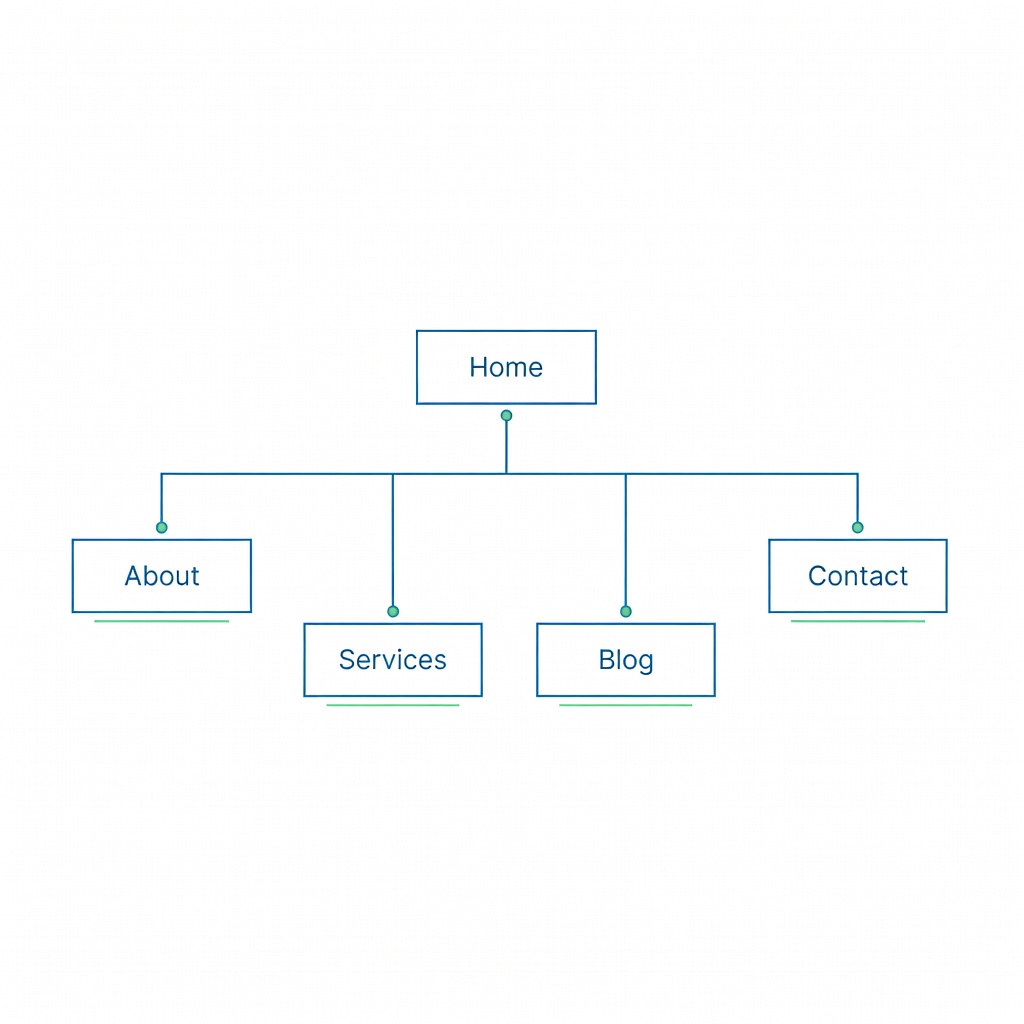
Keep your main menu to 4–6 items max. Home, About, Services, Contact is a solid starting four. Visitors get lost in 10-item menus.
Plan your homepage sections
A strong homepage flows like a conversation: Hero (who you are + what you do) → Problem you solve → How you solve it (services/products) → Proof (testimonials, stats) → Call to action. Write the headline for each section before you build.
Create Your Brand Identity
Your brand identity makes your site feel professional and memorable. You don't need a design degree. You just need clear decisions.
Pick your brand colors
Choose 2–3 colors: a primary (your main brand color), a secondary (for accents and buttons), and a neutral (for backgrounds and text). Dark text on light background is easiest to read. Bold accent for buttons and CTAs.
Get a logo
Buildy generates logos instantly. Keep it simple. A clean wordmark or icon works better than a busy design.
Ask me this:
“Generate a modern, clean logo for my business called [name]. I want a [minimal/bold/playful/professional] style.”
Choose your tone
How do you talk to your audience? Professional and formal works for law firms, B2B, and finance. Friendly and conversational fits coaches, lifestyle brands, and local services. Bold and direct suits startups, agencies, and fitness. Pick one and use it consistently across every page.
Get your domain
Your domain is your address on the internet. Make it short, memorable, and easy to spell. Buy through Buildy in Manage > Domains & Email.
Ask me this:
“Suggest 10 domain name ideas for a [type of business] called [name].”
You'll Know Phase 1 Is Done When:
- □You've defined your website type and primary goal
- □You know your ideal visitor and the action they should take
- □You've mapped out your pages and homepage sections
- □Brand colors and tone are chosen
- □Logo is ready and domain is purchased
Build
Build your homepage, inner pages, lead capture, and essential features.
Build Your Homepage
Your homepage is the most important page on your site. Most visitors land here first. It needs to answer "what is this?" and "what should I do next?" in under 5 seconds.
Copy and paste this prompt
"Build me a professional homepage for my [type] business. I want a hero section with a bold headline and call-to-action button, a section explaining what I do and who I help, a services or features overview with icons, social proof or testimonials, and a final call-to-action. My brand colors are [colors] and my tone is [professional/friendly/bold]."
Homepage must-haves
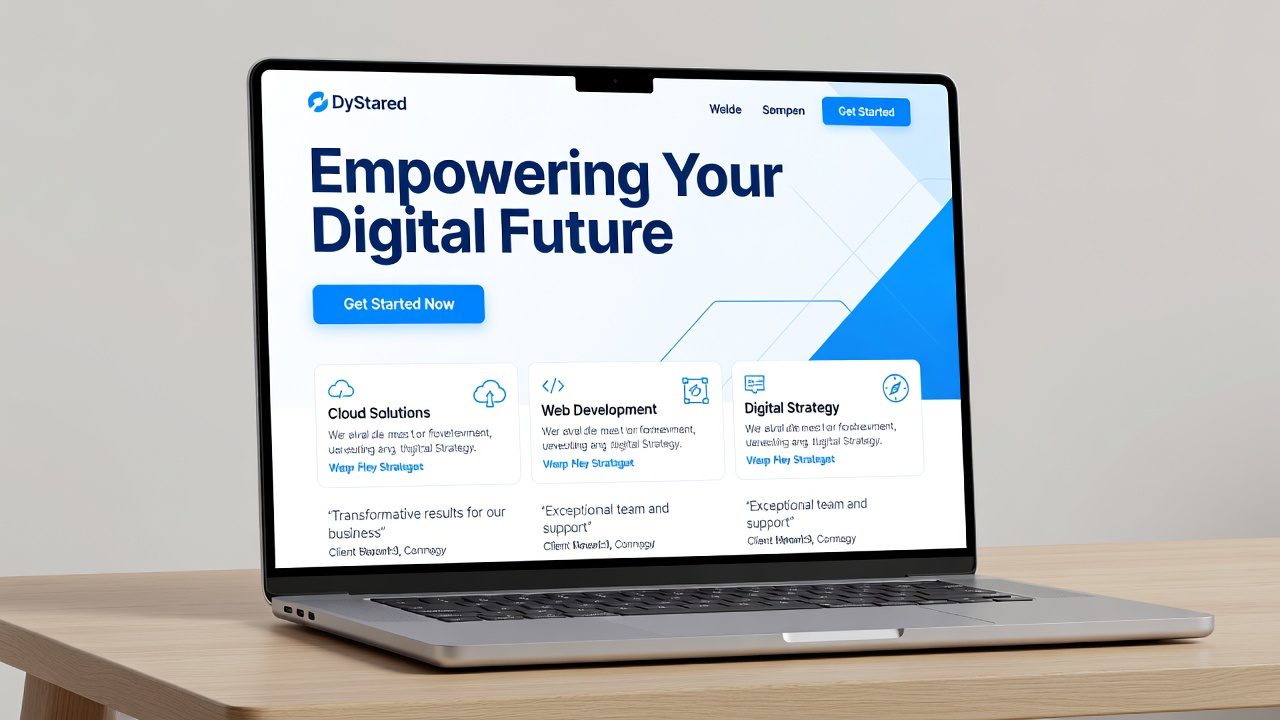
- A clear headline — Under 10 words. State exactly what you do.
- A sub-headline — One sentence clarifying who it's for.
- A primary call-to-action button — Book a call, get a quote, shop now, start free trial.
- A visual element — Hero image or graphic that supports your message.
- Social proof if you have it — Testimonial, client logos, star rating, "trusted by X customers."
Common homepage mistakes
Don't use vague headlines like "Welcome to our site." Don't bury your CTA below the fold. Don't clutter with too many options. One primary action per page.
Review and refine
Buildy builds fast, but you're the expert on your business. Read every word. Does it sound like you? If something feels off, tell me: "Rewrite the hero section to sound more [tone]."
Build Your Inner Pages
With your homepage done, build the supporting pages. Each page has one job. Don't try to make one page do everything.
About page — what to include
Tell your story (why you started, what drives you). Show your face. A real photo builds more trust than a logo. List credentials, experience, or anything that builds credibility. End with a soft CTA: "Want to work together? Get in touch."
Services or Products page
List each service or product clearly. For each one: name, 2–3 sentence description of the benefit, price (or "starting at"), and a button to take the next step. People scan, they don't read. Make each offering scannable.
Contact page
Include: contact form (name, email, message — keep it short), email address, any social links, business hours if relevant, location or service area if relevant. A phone number builds huge trust if you're comfortable sharing one.
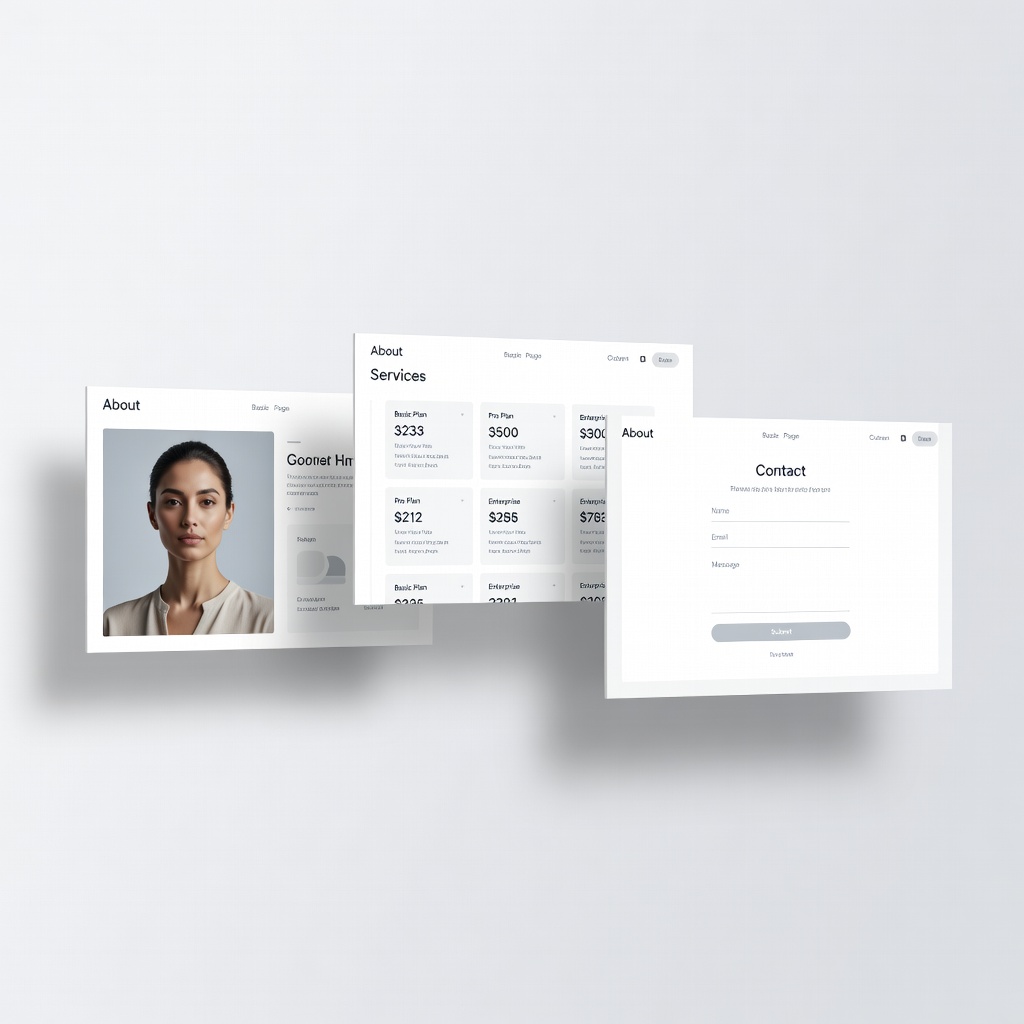
Build each page
Tell me: "Build me an [about/services/contact] page for my [type] business." Do this for each page. Check each one on your phone. More than half your visitors will be on mobile.
Ask me this:
“Build me an about page for my [type] business. Include my story, my mission, and a professional photo section.”
Add Lead Capture
A website without lead capture is a billboard. People see it and leave. Lead capture turns visitors into contacts you can follow up with.
Where to add signup forms
- Homepage — Above the fold or just below the hero
- Footer — Every page
- Blog posts — Inline or at the bottom
- Exit popup — Appears when someone is about to leave
What to offer in exchange
- Free consultation or quote
- Free guide or checklist
- Discount code for first purchase
- Newsletter with tips and insights
- Free audit or assessment
Connect to your CRM
Every signup goes into Buildy's contacts automatically. Add tags like "homepage-signup" or "newsletter" so you know where each lead came from.
Ask me this:
“Add a newsletter signup form to my homepage and footer that saves contacts to my CRM with a 'website-subscriber' tag.”
Set Up Essential Features
A few extras make your site feel complete and professional.
Add a chatbot
A website chatbot answers visitor questions 24/7. It handles FAQs, captures leads, and books calls, all while you sleep. Train it on your services, pricing, and common questions.
Ask me this:
“Set up a website chatbot for my site that answers visitor questions about my services and captures leads.”
Set up your blog
A blog brings organic traffic from Google. Even one post per month compounds over time. Go to Manage > Content and activate the CMS if it's not already on.
SEO basics
Make sure SEO is turned on (Manage > Marketing & Ads > SEO). Each page needs a unique title and description for Google. Your page titles should include your main keyword: "Web Design for Restaurants | Your Agency Name" — not just "Services."
Connect a custom domain
A custom domain (yourbusiness.com) looks professional and builds trust. Buy one in Buildy or connect one you already own. Free subdomains work for testing but not for customers.
Mobile check
Open your site on your phone. Scroll every page. Tap every button. Does anything look broken or hard to use? Tell me: "Fix the [element] on mobile."
You'll Know Phase 2 Is Done When:
- □Homepage is built with clear headline and CTA
- □About, services, and contact pages are live
- □Lead capture form is on your site and connected to CRM
- □Chatbot is active and answering visitor questions
- □SEO is turned on with page titles set
- □Site looks good and works on mobile
Get the Website Build Checklist
A beautifully formatted printable with all steps, bonus tips, and a 30 day calendar. Delivered instantly. Perfect to stick on your wall and check off as you build.
- All steps in checklist format
- Bonus launch tips not in the guide
- 30-day action calendar
Join 1,000+ entrepreneurs getting weekly tips. No spam, unsubscribe anytime.
Launch
Test everything, publish your site, and set up email automation.
Test Everything
Before anyone sees your site, be your own toughest visitor. Break things now so your customers don't.
The launch checklist
- Click every link on every page — do they all go where they should?
- Submit every form — do you receive the submission?
- Test on your phone — scroll, tap, swipe through every page
- Check loading speed — do images load fast?
- Read every page out loud — does the copy sound natural?
- Share a link with a friend — does the preview look good?
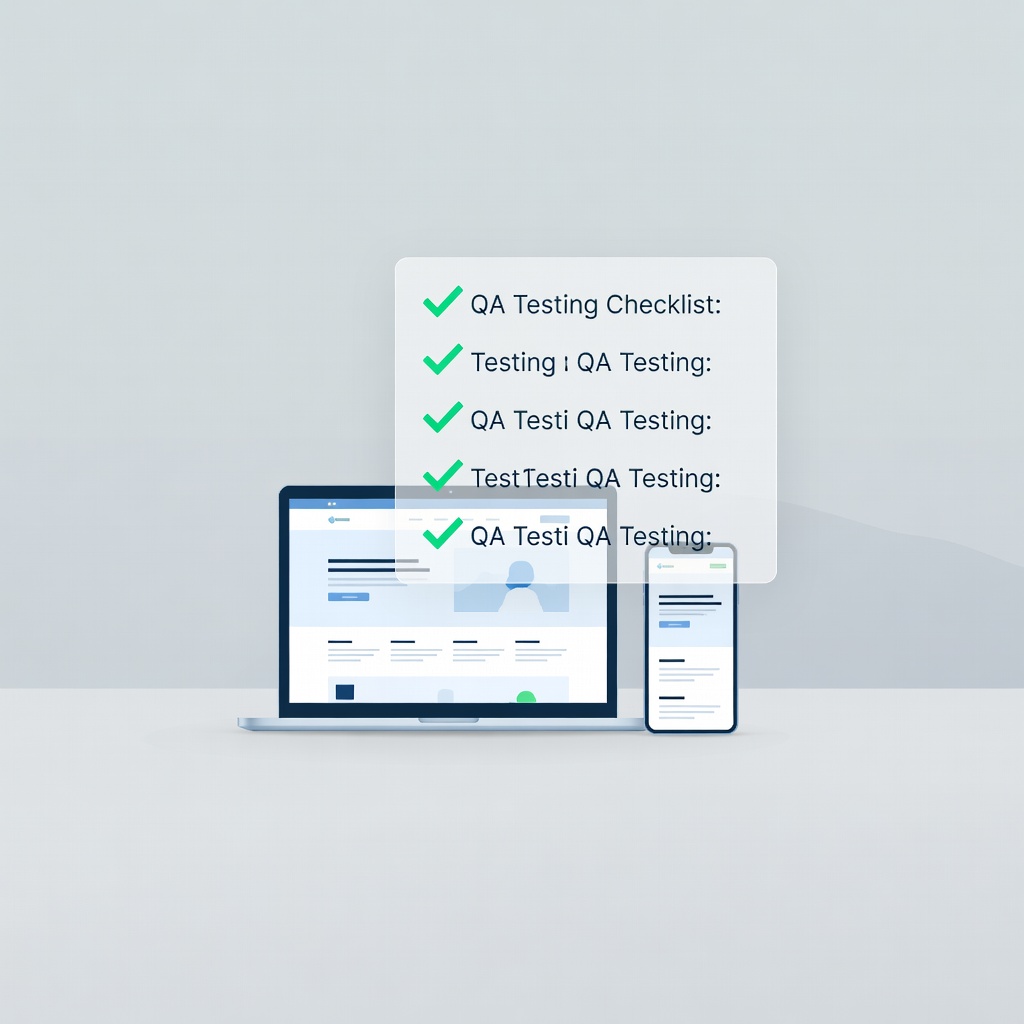
Common issues to catch
Broken links, misspelled text, forms that don't submit, images that don't load, buttons that don't work on mobile, pages missing SEO titles. Catch these now.
Get feedback
Send your site to 3 people who match your ideal customer. Ask: "What does this business do? What would you do next? Anything confusing?" Their answers reveal blind spots you can't see yourself.
Publish Your Site
Your site is built, tested, and ready. Time to go live.
Hit publish
Click the Publish button in the top-right of your preview toolbar. Your site is now live at your domain for the world to see.
What happens after publishing
Your site is live immediately. Google will find it within a few days to a few weeks. Share your URL on social media and with your network to speed up discovery.
Keep iterating
Your site is never truly "done." The best websites improve every week. Add new content, tweak copy that isn't converting, and update your design as your business evolves.
Pro tip: After publishing, visit your site in an incognito window. That's what your customers see — no preview toolbar, no editor. Make sure it looks right from their side.
Set Up Email Automation
When someone signs up on your site, don't leave them hanging. An automated welcome sequence starts the relationship immediately.
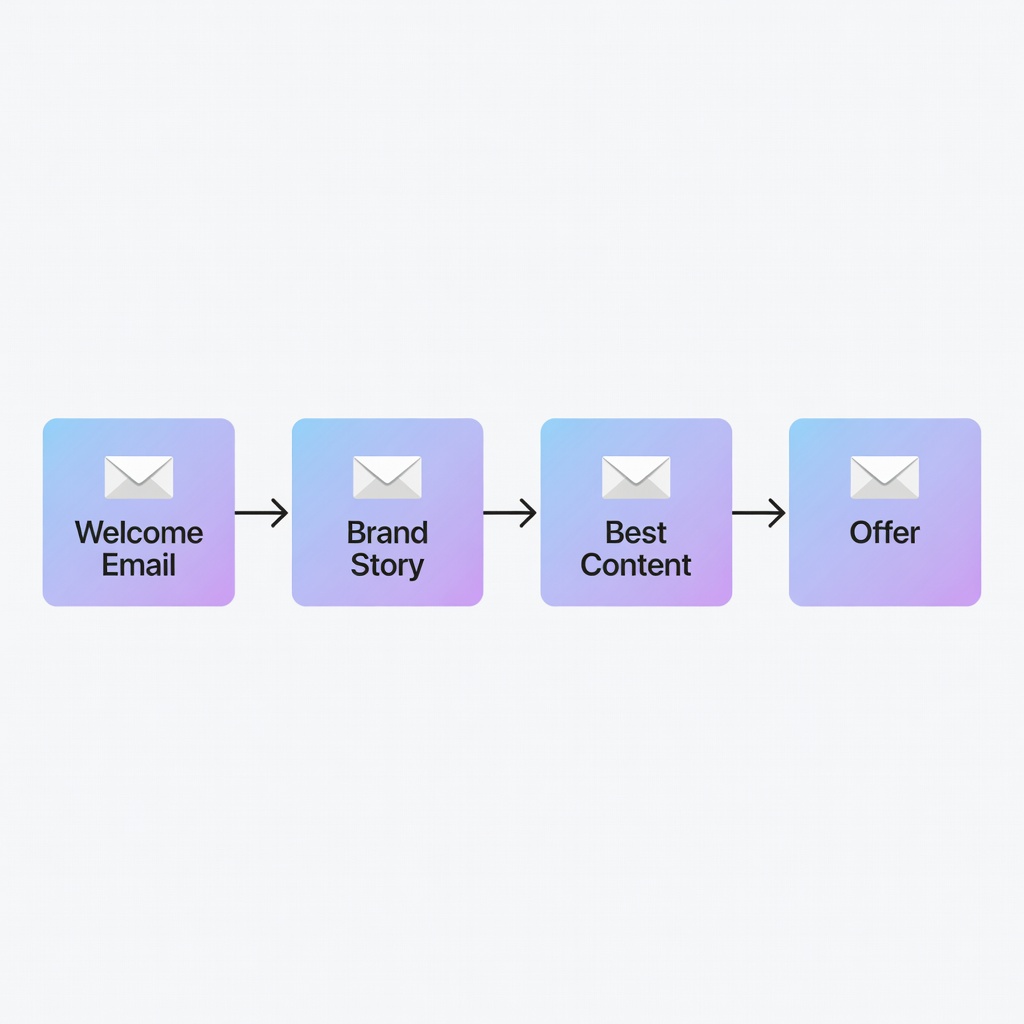
Create a welcome sequence
- Email 1 (instant) — Thanks for signing up + what to expect from you
- Email 2 (day 2) — Your story and why you do what you do
- Email 3 (day 4) — Your best content or most helpful resource
- Email 4 (day 7) — How you can help (services, products, consultation)
Set up AI auto-reply
When someone replies to your emails, AI responds within minutes. It handles questions, books calls, and qualifies leads automatically.
Segment your contacts
Not all leads are the same. Tag contacts based on what they signed up for: "newsletter", "consultation-request", "free-guide-download". Send different follow-ups to each group.
Ask me this:
“Create a 4-email welcome sequence for my [type] business that introduces new contacts to my brand and invites them to take the next step.”
You'll Know Phase 3 Is Done When:
- □Every page and form has been tested
- □Site is published and live at your domain
- □Welcome email sequence is active
- □AI auto-reply is turned on
- □You've shared your site with at least 3 people
Grow
Drive traffic, get found on Google, and build a habit of weekly improvement.
Drive Traffic with Social Media
Your site is live. Now people need to find it. Social media is the fastest way to drive your first visitors.
Pick 2 platforms to start
- Instagram — Best for visual businesses (design, fashion, food, photography, fitness)
- LinkedIn — Best for B2B, professional services, consultants, coaches
- Facebook — Best for local businesses and community-building
- Twitter/X — Best for thought leadership, tech, and news-driven businesses
- TikTok — Best for reaching new audiences with short-form video
- Pinterest — Best for lifestyle, home, fashion, recipes (long shelf life)
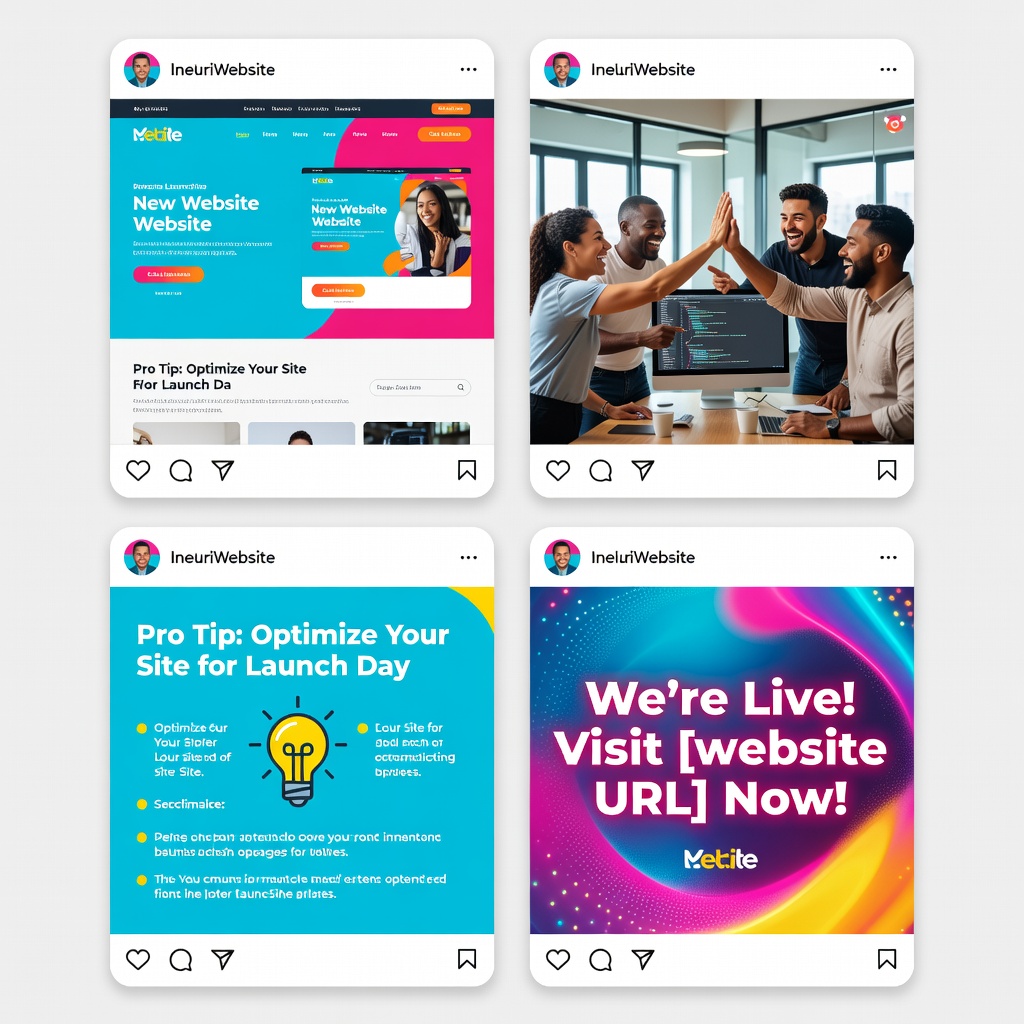
What to post
Share your expertise, not just your services. Post tips, behind-the-scenes, client results, your story, and industry insights. Build an audience, then point them to your site.
Posting schedule
Start with 3–4 posts per week on your 2 platforms. Consistency wins. Use Buildy to generate a week of posts in one sitting.
Ask me this:
“Create my first week of social media content for [platform] promoting my new [type] website.”
Get Found on Google (SEO)
Google traffic is free, consistent, and compounds over time. Invest in SEO now and you'll thank yourself in 6 months.
Start with your blog
Write articles that answer questions your customers actually search for. A web designer writes "How much does a website cost in 2025?" A fitness coach writes "Best home workouts without equipment." A SaaS company writes "Spreadsheet vs CRM: when to switch."
SEO checklist for every page
- Unique page title with your target keyword
- Compelling meta description (shown in Google results)
- Headings that match what people search for
- Fast-loading images with descriptive names
- Internal links between your pages
- Clear, readable content (aim for 300+ words per page)
Local SEO (for local businesses)
If you serve a local area: include your city and state in page titles and headings, add your address to your footer, create a Google Business Profile (free, takes 10 minutes), ask happy customers for Google reviews.
Track your rankings
It takes 3–6 months to see SEO results. Track your progress with Google Search Console (free). Watch which pages bring traffic and create more content like them.
Ask me this:
“Review the SEO on my website and suggest 5 improvements to help me rank higher on Google.”
Track, Improve & Scale
A website is a living asset. The businesses that win are the ones that track results and improve weekly.
What to track
- Total visitors — Is traffic growing month over month?
- Top pages — Which pages get the most views?
- Lead conversion rate — What percentage of visitors fill out your form?
- Bounce rate — Are people leaving immediately? If so, your messaging may be off.
- Traffic sources — Where are visitors coming from: social, Google, direct?
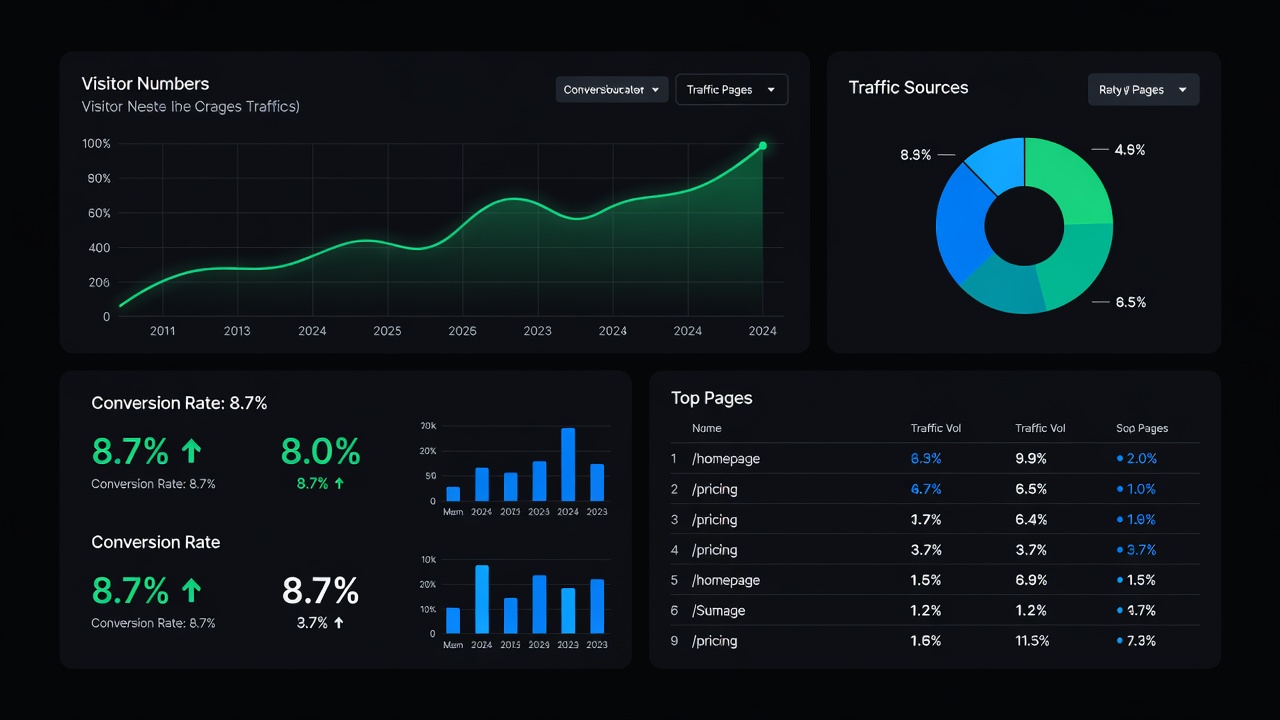
Weekly improvements
Pick one thing to improve each week: rewrite a low-performing page headline, add a new testimonial, publish a blog post, test a new CTA button, add an FAQ section. Small improvements compound into big results.
When to add more features
Once you have consistent traffic: add a booking/scheduling system, add live chat with a real person option, create a members-only area, add a resource library or knowledge base, build a customer portal. But only add features that serve a real need. Don't build features hoping they'll attract users.
The compounding effect
A website that's been live for 2 years with consistent content and improvements is worth 10x one launched last week. Start now, improve steadily, and the results will follow.
You'll Know Phase 4 Is Done When:
- □You're posting consistently on at least 2 social platforms
- □Your blog has at least 3 SEO-optimized articles
- □Google Search Console is set up
- □You're tracking visitor numbers and lead conversion
- □You have a weekly improvement habit
You did it. You've gone from idea to a live, growing website. Keep improving, keep publishing, and your site will become one of your most valuable business assets.
If You Get Stuck
Every website hits speed bumps. Here's what to do:
- Site doesn't look professional enough?
Tell me: "Give my site a more premium, modern look"
- Not sure what pages to build?
Tell me: "Suggest the best pages for a [type] website"
- Copy doesn't sound like you?
Tell me: "Rewrite the [section] to sound more [professional/friendly/bold]"
- Forms aren't working?
Tell me: "Check why my contact form isn't submitting"
- Site looks broken on mobile?
Tell me: "Fix the mobile layout on [page]"
- Emails going to spam?
Go to Manage > Domains & Email and verify your sending domain.
- Domain not working?
Go to Manage > Domains & Email to check your domain setup.
- Want a fresh start?
Tell me: "Redesign my homepage with a [style] aesthetic"
- Something else?
Just describe what's happening and I'll help.
Explore Other Paths
View all 5 →Not the right fit? Check these out:
Not sure which path fits you best?
Take our 60-second discovery quiz and get matched to your ideal business model based on your skills, time, and goals.
Enjoying this playbook? Share it
Help a friend start their business with this guide.
Your Website Is Waiting
Start with Step 1 right now. By this time next week, you could have a live website that brings you customers. Or explore another path if you want to add a revenue model right away.
